Instagram’s scroll culture is ruthless. Users are flying through their feeds at light speed. Posts that require attention only survive. In a sea of professional photos, it’s the ones that combine visual pizazz with catchy text that get a thumb-stopping pause.
Aesthetics matter, but the caption is what moves. Engagement is driven by text: likes, comments, shares, and clicks. A strong visual might get you hooked, but the caption delivers. Pippit turns everyday content into something magnetic. Even the most average post gets turned into a scroll stopper.
The Anatomy of a Scroll-Stopping Post
Imagine what takes place when you scroll. You’re subconsciously filtering the content in seconds. You want relevance, entertainment, value or emotion. A witty, urgent, or heart caption can instantly pique people’s curiosity. The first line of a caption is not always what makes people stop—they more often stop because of the image.
A headline is also the first line. From there, it must get users to click ‘more.’ A mini story unfolds into a good caption from there. It can be a joke, something vulnerable, or an urgent call to action, but the caption should be emotive and purposeful.
Transforming Mediocre Visuals with Powerful Captions
Not every post will make jaws drop with visuals. The photo might be average, but the content doesn’t have to be forgotten. A good caption can elevate an ordinary photo to something share-worthy. Your visual might not have a sparkle, but your words can still do the trick.
That’s where Pippit comes in. With the AI-powered platform, you can take the basic content and turn it into a buzz-worthy post. From simple product images to behind-the-scenes shots, the platform is of storytelling. So you can even use shock value, sarcasm, narrative flow or whatever to keep your viewers entertained. It’s about adding a voice and your personality to your content.
How to Generate Instagram Captions Using Pippit
Step 1: Access the image studio
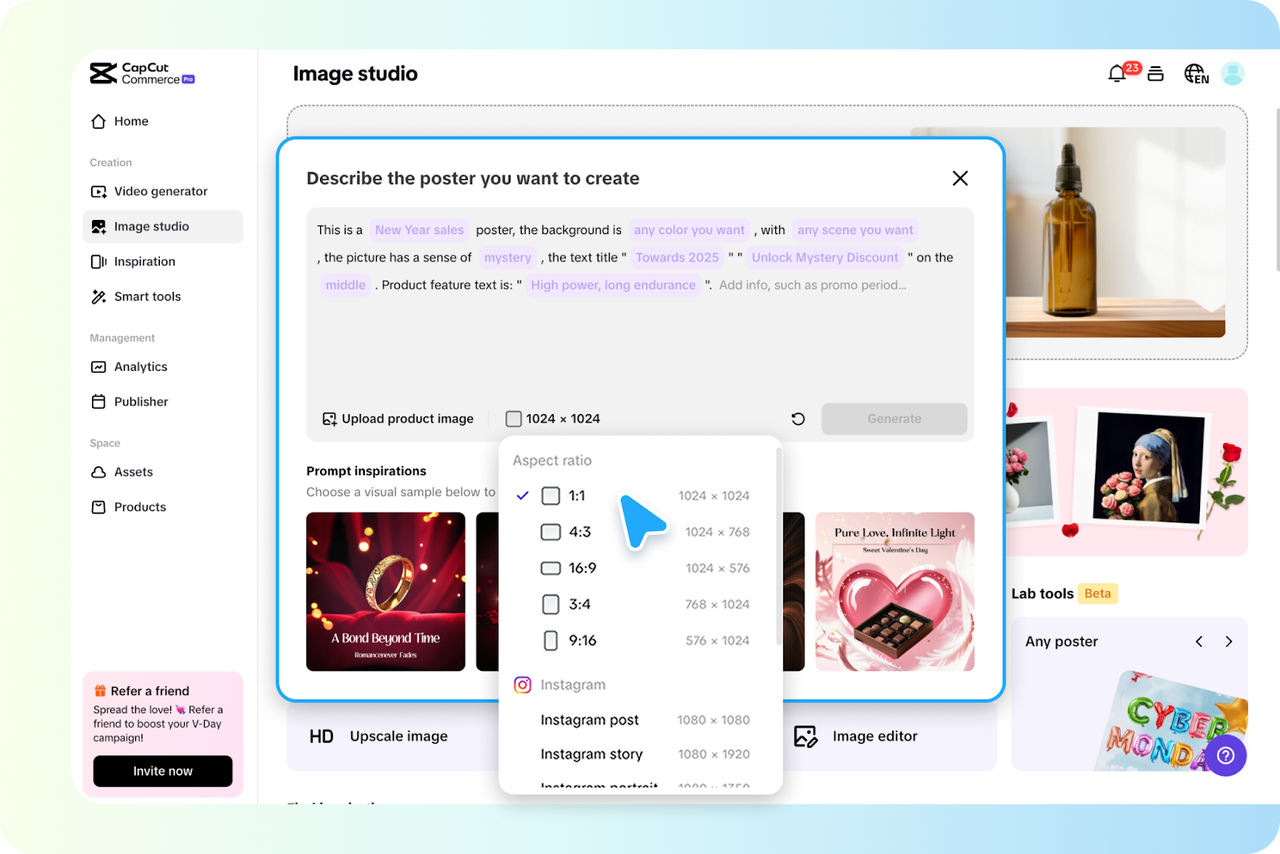
Step into the creative process by logging into your Pippit account and navigating to the Image Studio. From there, choose “Sales Poster” to begin transforming your post. Upload your image or explore seasonal layout suggestions through the Prompt Inspirations menu. Think themes like “Valentine’s Day” or “Towards 2025” to spark ideas that fit your campaign.
Step 2: Customize poster & ratio
Next, customize your poster using the Aspect Ratio tool. Select the format that fits your goal—1:1 for Instagram posts or 9:16 for stories. Type a clear prompt that describes what you want, such as “Create a 50% off poster for sunglasses.” Click Generate and let the tool create a visually striking layout.
Step 3: Refine captions & export
Finally, dive into the Results section and choose from a variety of AI-generated captions. Each one is tailored to enhance your image. You can edit the caption to match your tone, adjust fonts and spacing, and include relevant hashtags. When you’re ready, hit Download. Select your preferred resolution and file format (JPG or PNG), and save the asset for future use.

Creative Prompts That Capture Attention
The AI Instagram caption generator excels with creative direction. Try prompts like: “Write a sarcastic caption for Monday mornings.” Or: “Make this product sound like a must-have for teens.” These inputs help craft tone-specific captions that break away from generic marketing language. Use Pippit’s Prompt Inspiration menu to find more ideas tailored to your content goals.
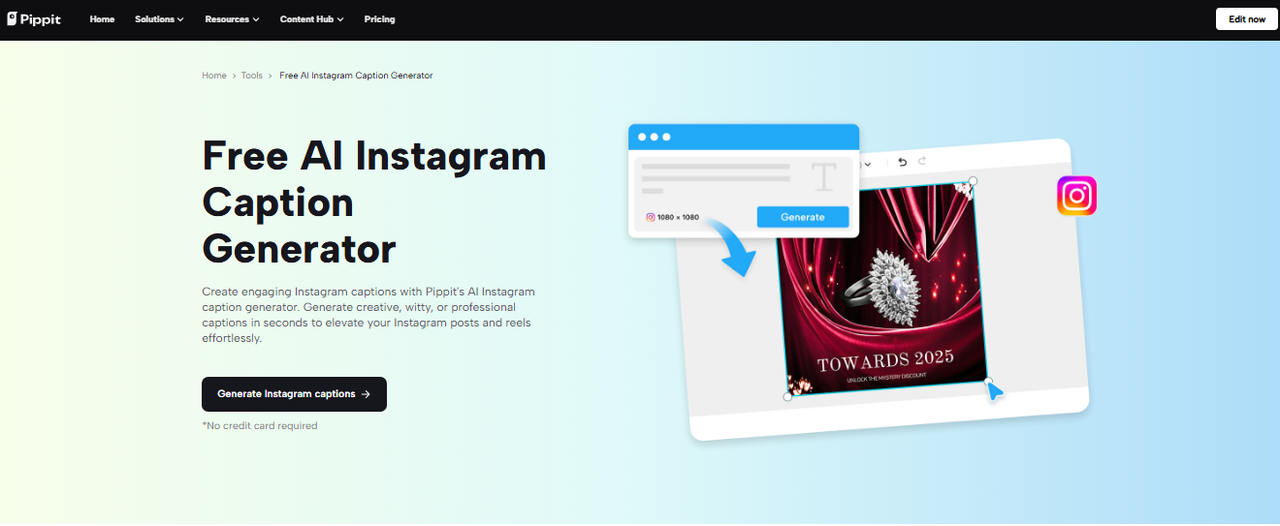
Captions can carry humor, empathy, or a sense of urgency. When used right, they stir emotional responses that improve user interaction. Emojis add a visual cue, while hashtags extend reach. CTAs like “Shop now,” “Tag a friend,” or “Don’t miss this deal” push users to act. The tone you choose—playful, assertive, or emotional—can change how your audience responds.
Before-and-After: The Caption Makeover Effect
Imagine a product photo with a dry caption like “New arrival.” Now pair that same image with: “It’s not just a jacket. It’s a whole mood—shop the limited drop before it’s gone.” The difference is instant. The revised caption adds personality, urgency, and a call to action. It also tells a mini-story in just a few words. The right tone turns passive viewers into active customers.
By adjusting captions to match your audience’s mindset, you create content that resonates. Even the strategic use of line breaks, emojis, and trending phrases can make your posts more inviting. Over time, you’ll notice better reach, higher interaction, and more profile visits.
Conclusion
In a fast-moving digital space, captions are your secret weapon. Using a powerful tool like Pippit, you can consistently create engaging, platform-optimized content that stands out. Stop letting good visuals fall flat. Turn them into full-blown scroll-stoppers with the right words.