
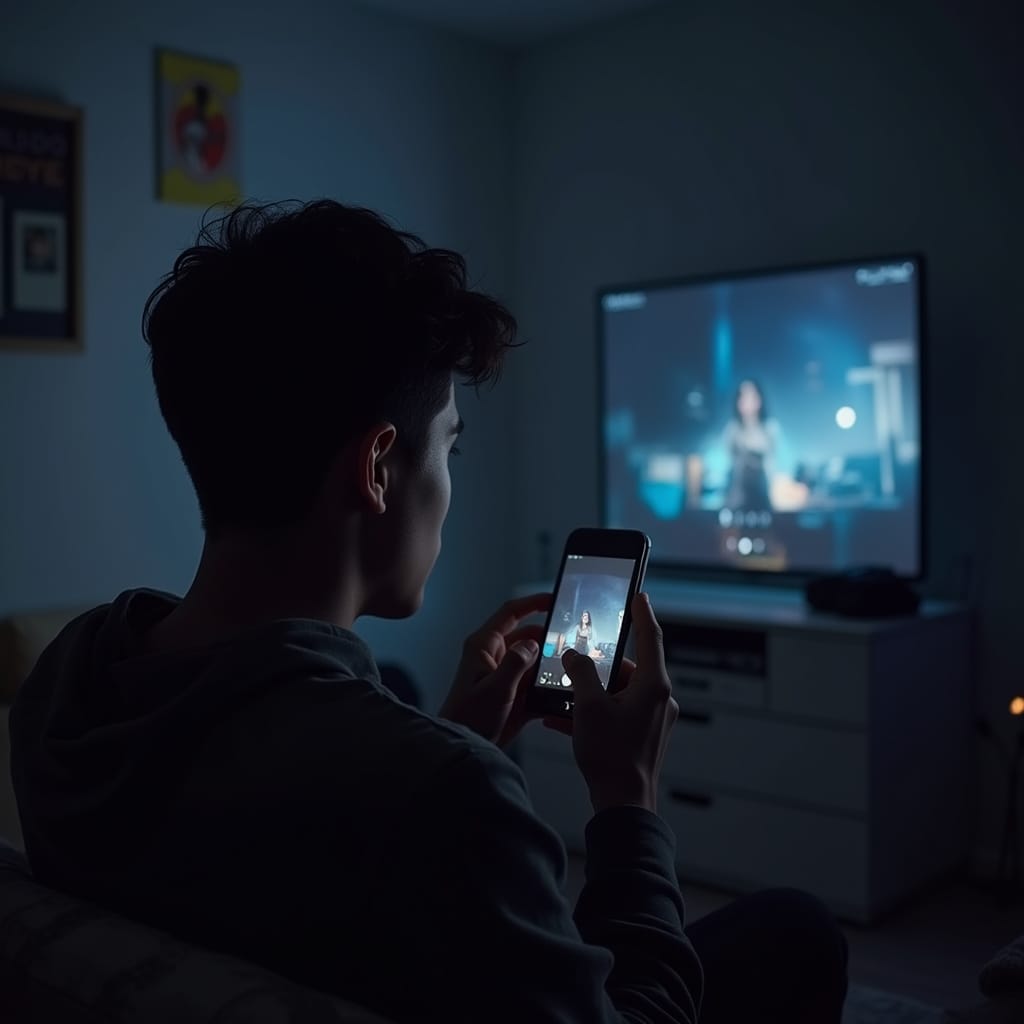
For PlayStation devotees, the PS5 may get the most attention, but your smartphone might be the most underused part of your setup.
You already keep it within reach during every session. So why not make it work harder? From remote downloads to second-screen tools, your phone can quietly handle tasks that streamline, enhance and even extend your play.
Turn Your Phone Into a Remote Control Centre
What most users don’t realise is that Sony’s official PlayStation App isn’t just for messaging your friends or checking trophies. It’s a gateway. Through it, you can initiate downloads remotely, queue up game installs and even jumpstart Remote Play sessions before you walk in the door.
Want to avoid the agony of waiting for massive updates? While stuck at work or buried in your commute, you can open the app, tap the latest patch for Call of Duty and trigger the download to your console, all while your coworkers debate lunch. By the time you’re home, your game’s ready.
Use Your Phone as a Virtual Keyboard
Pair that with a second smart hack: using your phone as a virtual keyboard. The next time you’re forced to enter a Wi-Fi password using a D-pad, launch the app and input text on your touchscreen instead. It’s faster, cleaner and your thumbs will thank you.
Stream Games on the Go
Another hidden gem? PlayStation Remote Play. While it’s not flawless (your Wi-Fi will dictate the smoothness), it transforms your smartphone into a full-fledged PS5 screen.
Track Sales, Claim Free Games Instantly
Here’s one most users miss: using your smartphone to grab limited-time freebies and flash sales before they disappear. With the PS App’s store integration, you can monitor daily deals and snag free monthly PS Plus games with a tap. No need to boot up your console. You can build your digital library during a coffee break or in line at the grocery store.
And yes, even spontaneous purchases are painless if you preload your account with a PlayStation gift card. No credit card scramble, no missed drops. Just click, claim and it’s yours.
Join a Party and Stream Gameplay to Your Phone
Here’s a lesser-known gem: during a Party Chat, your friend can screen share their gameplay, and you can watch it directly from your phone. No TV, no console. This is perfect for catching a live moment in a multiplayer session, or when a friend wants to flex a boss fight or walkthrough trick. It’s like Twitch, but just for you.
Use Voice Dictation to Navigate Faster
If you’re navigating the PS Store or sending messages through the app, tap into your phone’s built-in voice dictation feature. Instead of typing long search terms or phrases, speak them. It’s faster and surprisingly accurate, especially if you’ve got a long game title or an awkward username to enter.
Manage Captures and Share Clips on the Fly
Thanks to automatic media syncing, you can now access your latest screenshots and video captures from your phone—no USB transfer required. Open the PS App’s Media Gallery, grab a recent highlight, and post it to social or send it to a friend instantly. Your best moments are now mobile and shareable.
Game Smarter, Not Harder
The smartest PlayStation users aren’t just gaming harder, they’re gaming smarter. They’re using devices already in their pockets to turn loading screens into launch pads and downtime into game time. In an era where everything syncs, updates, and connects through the cloud, there’s no reason to let your phone sit idle while you game.
You don’t have to jailbreak anything either. No obscure settings. Just apps and tools already available—if you know where to look.