We inhabit a world where virtual identity is on par with the real thing. Whether texting your buddy or creating a social presence, the avatars and emojis you select tell a lot about your character. And now that AI is here, you no longer have to accept the standard set of icons. You can now create expressive, personalized emojis and avatars that showcase your style, mood, and creativity, without having to be a digital artist. Let’s see how Dreamina’s AI image generator is turning plain text prompts into extraordinary digital characters!
The evolution of expression: digital faces that speak volumes
Old-school emojis and avatars were restrictive—smileys, generic cartoons, or avatars that didn’t look like you. But today’s digital beings require something more—something that reflects their uniqueness. That’s where AI comes in, as a creative partner that brings your desired self to life. If you want a sparkly anime avatar, a cartoon lookalike of your pet, or a moody emoji that accurately reflects your mood, AI is the solution. There are so many options to create lively images, and Dreamina’s image generator is among them.
Such images are not just trendy; they are extremely personalized. Images like these are fantastic for creators, influencers, and common publics who want to stand out in chats, reels, or even communities online.
Emoji moods meet AI magic
The strength of AI-generated emojis is that they can transcend the typical keyboard. Typing just one sentence and receiving an emoji that exactly captures your mood—a dozing cat, a purple-haired teenager defying authority, or a woman throwing confetti—is now within reach. These computer symbols are shifting from typical glyphs to fully customized creative expressions.
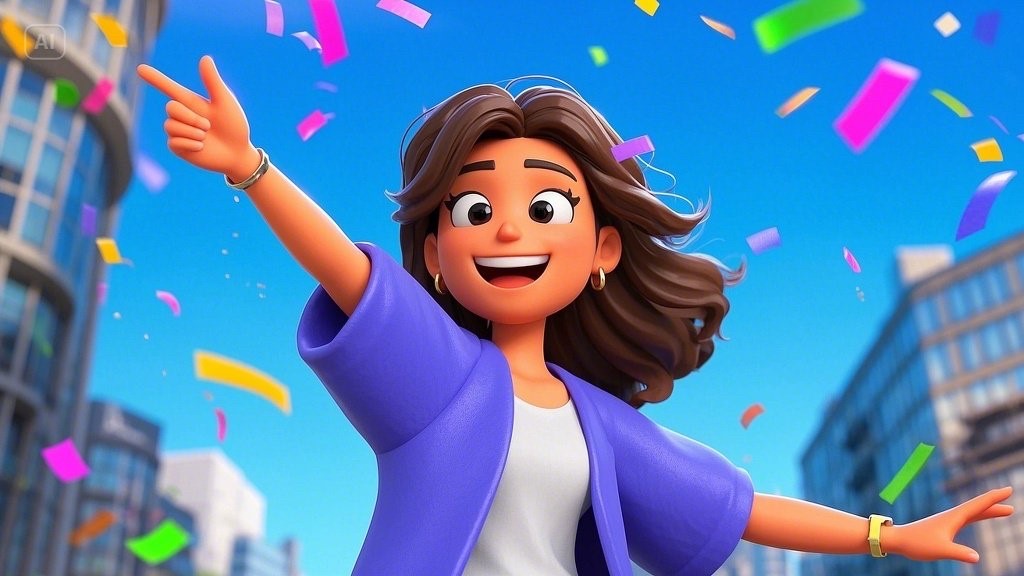
You can even create sets of emojis to depict a whole persona—ideal for content creators, fan pages, or brand mascots. They don’t only convey—they connect.
Avatars that are uniquely yours
You can have your avatar as stylized or realistic as you prefer. AI enables ultra-detailed customization, from hair texture and skin color to accessories and facial expressions. Dreamina’s platform streamlines this process, getting you closer to the digital representation of yourself—or your alter ego.
Whether you’re designing avatars for streaming sites, profile photos, or virtual events, AI allows you to express your identity with accuracy. No two avatars have to be identical anymore.
Making stickers more personal than ever
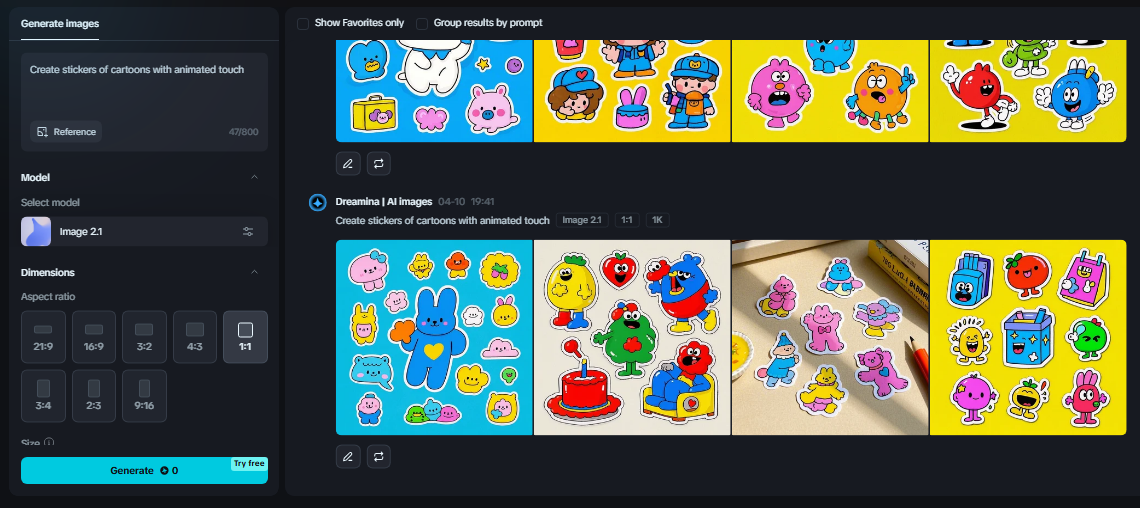
If you’re interested in custom merchandise or just like to liven up your messages, these AI-created emojis and avatars can be converted into entertaining, shareable stickers. With Dreamina as a sticker maker, you can easily turn digital characters into sticker packs for apps such as WhatsApp, Telegram, or Instagram Stories.
These aren’t mere visual flourishes—they. They’re icebreakers, brand markers, and mood-setters. They can be goofy, sentimental, edgy, or surreal. It’s up to you.
Avatars and more: How to make creative visuals with Dreamina
Now, let’s go through how you can animate your emojis or avatars using Dreamina’s three easy steps:
Step 1: Compose a text prompt
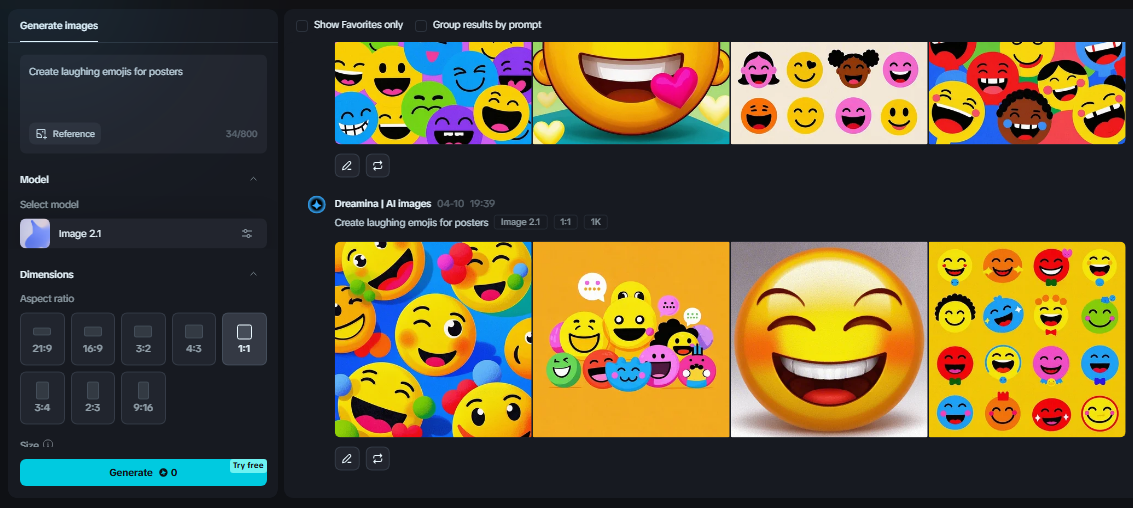
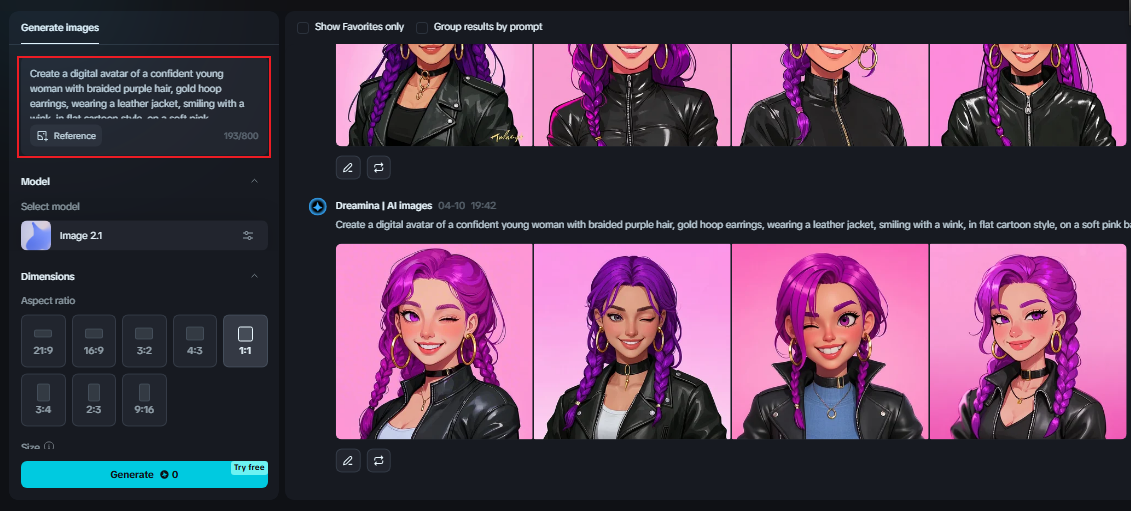
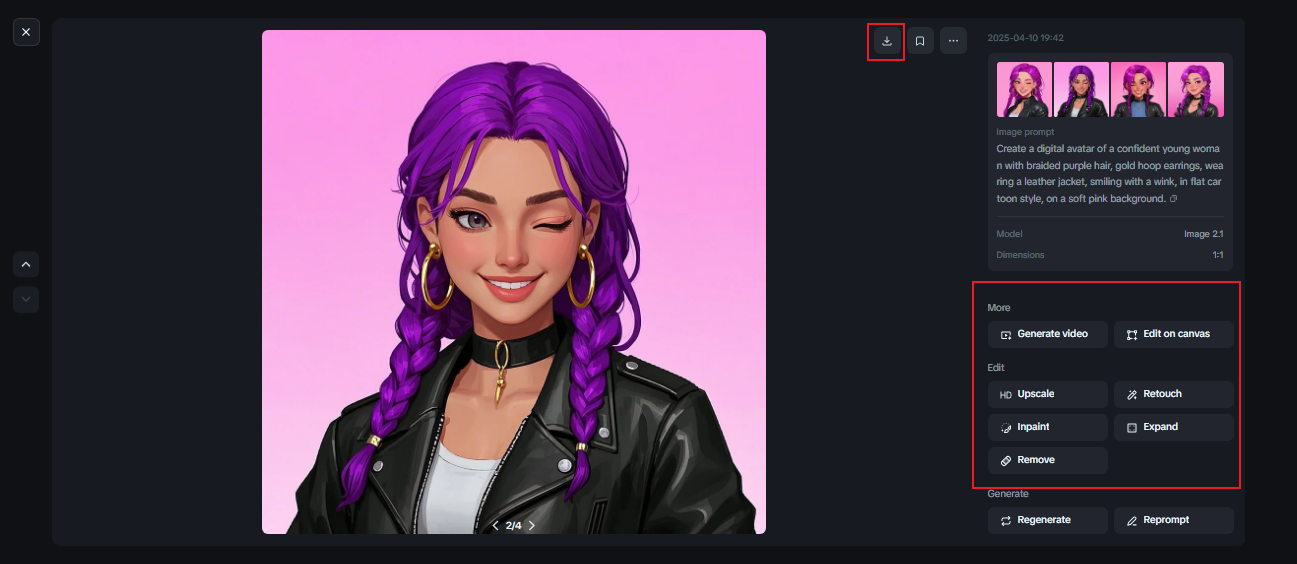
First, head to Dreamina’s “Image generator.” Where your imagination and AI collide. In the prompt box, tell your vision in detail—there’s no restraint needed. Consider the mood, style, expression, colors, and overall subject.
For example, try: “Create a digital avatar of a confident young woman with braided purple hair, gold hoop earrings, wearing a leather jacket, smiling with a wink, in flat cartoon style, on a soft pink background.” The more descriptive your input, the more accurately the output will reflect your imagination.
Step 2: Adjust parameters and generate
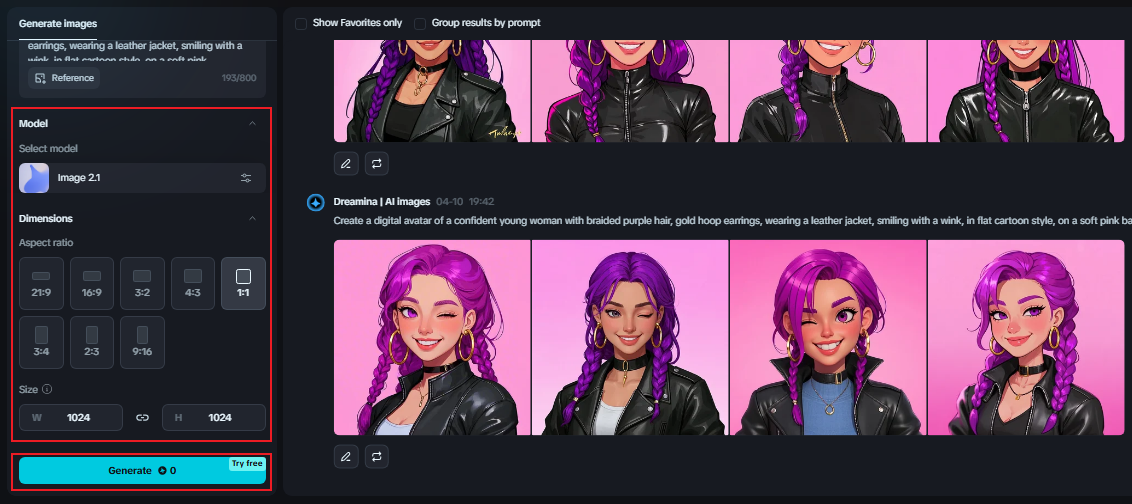
After you have your prompt ready, adjust the image settings to your project. You can choose your model, alter the aspect ratio for Instagram or Discord, and size to fit a sticker pack or a profile picture. When ready, click “Generate” and let the AI generate your personalized emoji or avatar.
Step 3: Customize and download
Now it’s time to make your creation even better. Use Dreamina’s editing tools, such as inpaint, to adjust different structures or accessories, expand to add out-of-backgrounds, remove unwanted objects, and retouch to enhance lighting, texture, or contrast. If you’d like to include a fun tagline or name, give the add text tool a try for an extra special touch. When you’re happy, click on the “Download” icon and save your new emoji or avatar for use everywhere.
Branding through personality
Creators, influencers, and small businesses can now use AI avatars as logos, mascots, or digital hosts. That’s right—if you’re running a podcast or beauty channel, your avatar can be your brand ambassador. With a touch of the Dreamina’s AI logo generator, your digital self becomes more than a profile picture—it becomes a symbol.
Avatars are particularly useful when you need to stay anonymous but still need to have a strong visual presence. Add some animation, and you have a full-fledged digital character for content introductions, website headers, or explainer videos.
Expression for all
What we love is accessibility. You don’t require design expertise, drawing ability, or expensive software to create. All it takes is an idea and a question to try. Dreamina’s AI tools handle the work, providing high-quality results that show who you are—or whom you wish to be online.
From virtual classrooms to gaming squads, social media bios to creator thumbnails—custom emojis and avatars make you more you, more relatable, and more memorable.
Conclusion: personality at your fingertips
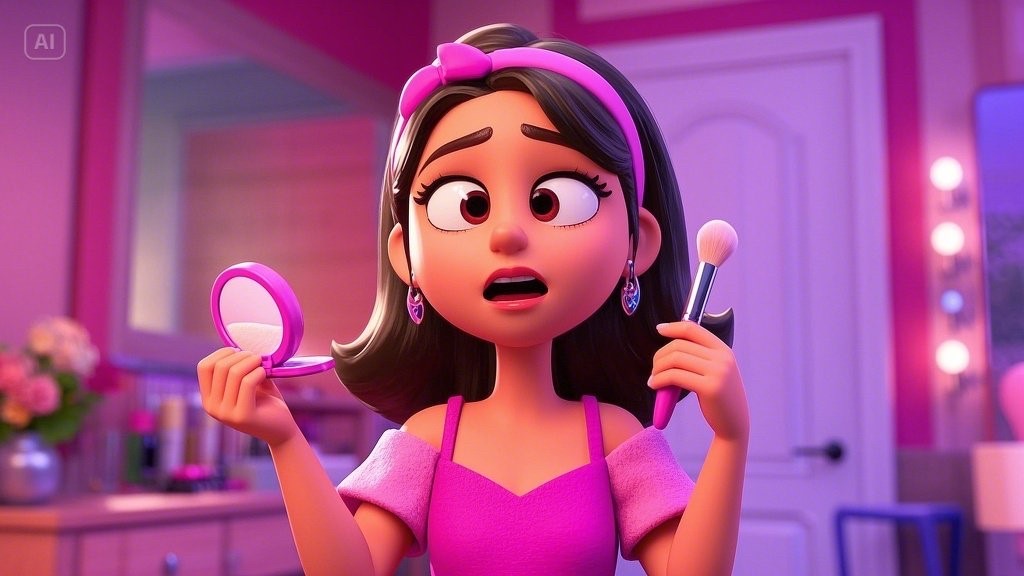
Your digital personality is no less deserving of attention than your real one. With technology such as Dreamina’s AI image generator, it’s never been simpler to communicate through images. From creating stickers just for fun, avatars for content, or emojis that transcend the run-of-the-mill keyboard, AI makes everything possible—swiftly and stunningly.
Ready to make pixels your personality? Go to Dreamina, type in your prompt, and begin crafting the digital you.